Process guide
Make a booking
Time5 minutes
- Owner
- Manager
- Front desk
- Night audit
DifficultyMedium
Book a guest who calls the hotel, with a deposit, several rooms or a company that pays.
Purpose
Section titled “Purpose”A guest phones and wants rooms for some nights. The New booking sheet checks what is free, prices the stay, saves the guest and the booking, and can take the deposit in the same step. You do it while the guest is on the line.
Ingredients
Section titled “Ingredients”- Permissions: to make bookings. Taking the deposit also needs the permission to take payments. The Billing card for a company shows only to roles that manage bookings.
- Information: the dates, how many adults and children, the guest’s name, and the company’s name or tax ID if a company pays.
- State: rooms are free on those nights. A cashier shift is open if the deposit is paid in cash.
Expected result
Section titled “Expected result”The booking is saved with its rooms, its guest and, if you chose it, its company. A deposit you took is on the folio. A message gives the booking number to tell the guest.
-
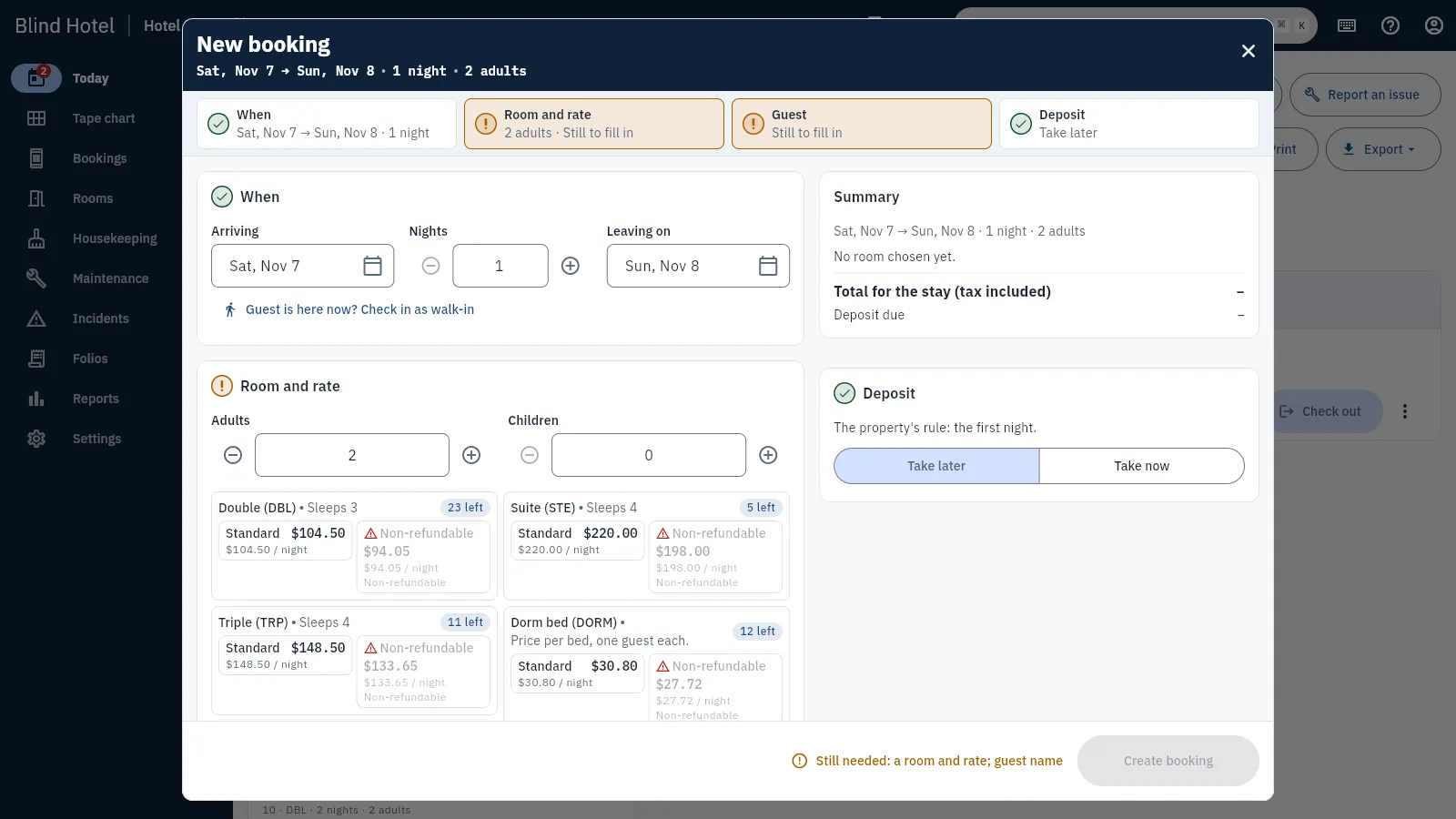
Go to Today and tap Booking, or press B anywhere. The New booking sheet opens.
-
In When, choose the arrival and Leaving on, or the Nights.
-
In Room and rate, set Adults and Children for everyone in the booking. Tap a rate under the room type you want. If one room cannot hold everyone, tap a rate for the rest of the guests and the sheet adds a room.
-
For more rooms, tap Add another room. Rooms in this booking lists them. Every room needs an adult: when none is left, the sheet says Add adults to book another room.
-
In Guest, choose Find a guest on file and search by name, phone or email, so the guest is not entered twice. Or choose New guest and type the name. The phone and the email are optional.
-
Further down in Guest, Source is Phone. Fill Arriving around (optional) and Special requests if the guest says them. When you change Source, or choose a company, the sheet picks the rate plan made for it and marks it For this booking. A plan you tapped yourself stays.
-
If a company pays, open Billing and tap Company. Search by name or tax ID, or add the company on the spot. Then choose who pays what: Guest pays, Room and tax to company, Everything to company or Custom. Choosing a company sends the room and its tax to it at first.
-
In Deposit, read the hotel’s rule and the Deposit due in the summary. Take later is chosen at first. Choose Take now to take it on the call: set How much to take now and How the guest pays.
-
Look at the footer. It lists what is still needed, or says it is ready. Tap Create booking, or Create booking and take with the amount.
-
A message says “Booking #N created”. Tell the guest the number. The message stays for a few seconds, with Print confirmation and Open booking.
Check your work
Section titled “Check your work”- The booking is in the list under Bookings, with the rooms and the dates you chose.
- A deposit you took is on the booking’s folio. If the hotel’s rule asks for one and you did not take it, the booking shows Deposit due.
- For a company, the Billing card of the booking names the company.
What next
Section titled “What next”- To take the deposit later, open the booking and tap Pay. See Take a payment.
- When the guest arrives, see Check in a guest.
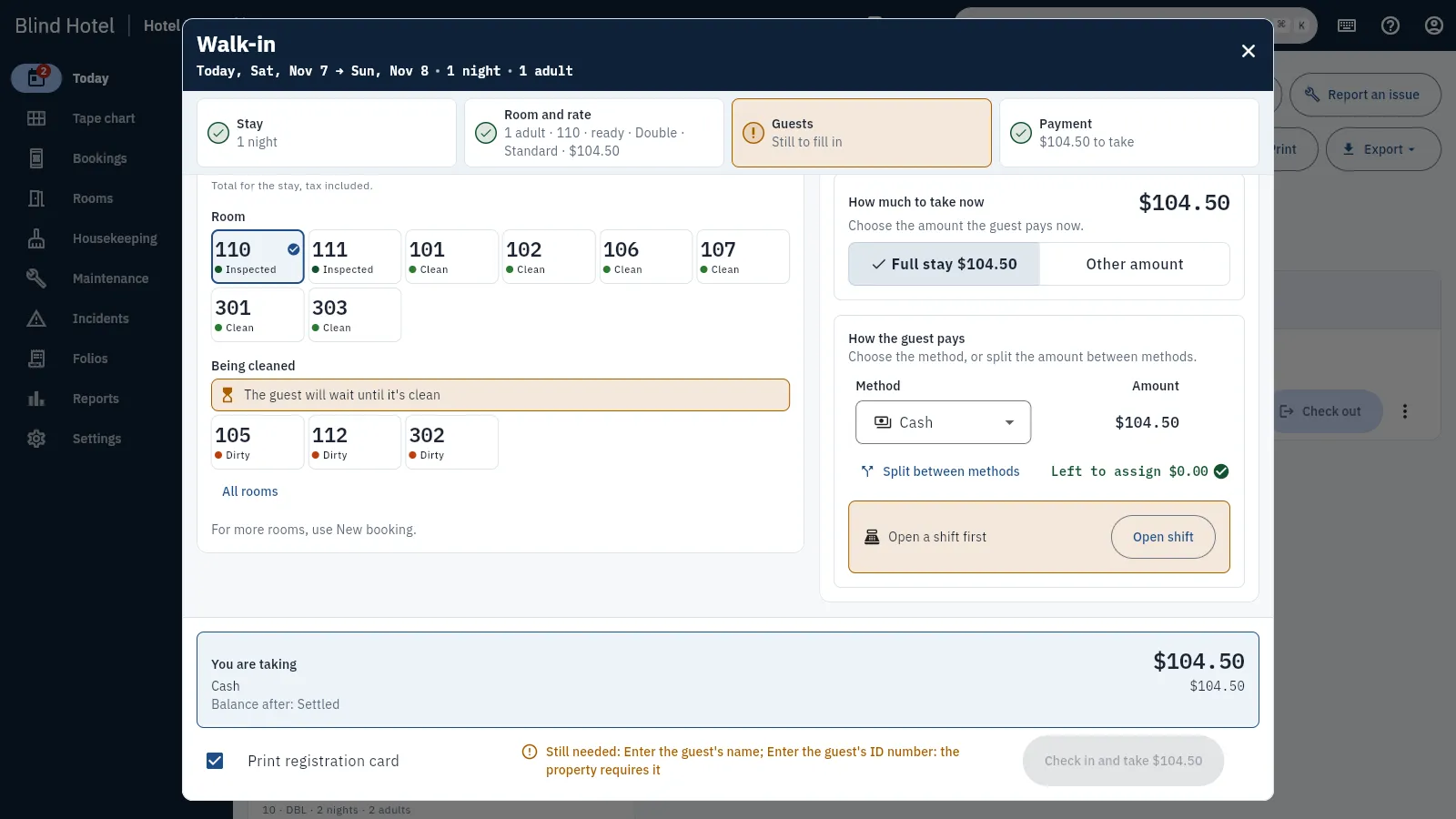
- If the guest is already at the desk, see Walk-in.
- For every part of the sheet, see The New booking form.
- For your very first booking, see Your first booking.
Considerations
Section titled “Considerations”- A cash deposit goes on your cashier shift. If none is open, the app asks you to Open shift.
- A guest on the blacklist shows a red warning. Only an Owner or a Manager can choose Book anyway.
- If a rate refuses your dates, for example because of a minimum stay or a night closed to arrival, the line under the rate says which night. Only an Owner or a Manager can turn on Book anyway (override the rate’s restrictions), and then must type Manager’s reason (required).
- A rate marked “Non-refundable” costs the price of the stay to cancel. Tell the guest before you book.
- If you close the sheet after adding a room, it asks “Discard this booking? Nothing is booked yet.”