Process guide
Your first booking
Time5 minutes
- Owner
- Manager
- Front desk
- Night audit
DifficultyEasy
Book your first guest, the quickest way to see the whole booking flow.
Purpose
Section titled “Purpose”A first booking shows you that your rooms, prices and settings work together. It is a real booking, so use a real guest or a test name you can cancel later.
Ingredients
Section titled “Ingredients”- Permissions: to make bookings. Only the Owner can finish the setup step Open for bookings, signed in with the two-step code.
- Information: the day the guest arrives, the day the guest leaves, and the guest’s name.
- State: the hotel is open for bookings. That is the last setup step, Open for bookings. It checks that you have rooms, prices, your business details and two-step sign-in, and then you tap Go live.
Expected result
Section titled “Expected result”The booking is saved, with a message that it was created. It is on the booking list and on the tape chart, and it waits for the guest to arrive.
-
Finish the setup step Open for bookings and tap Go live.
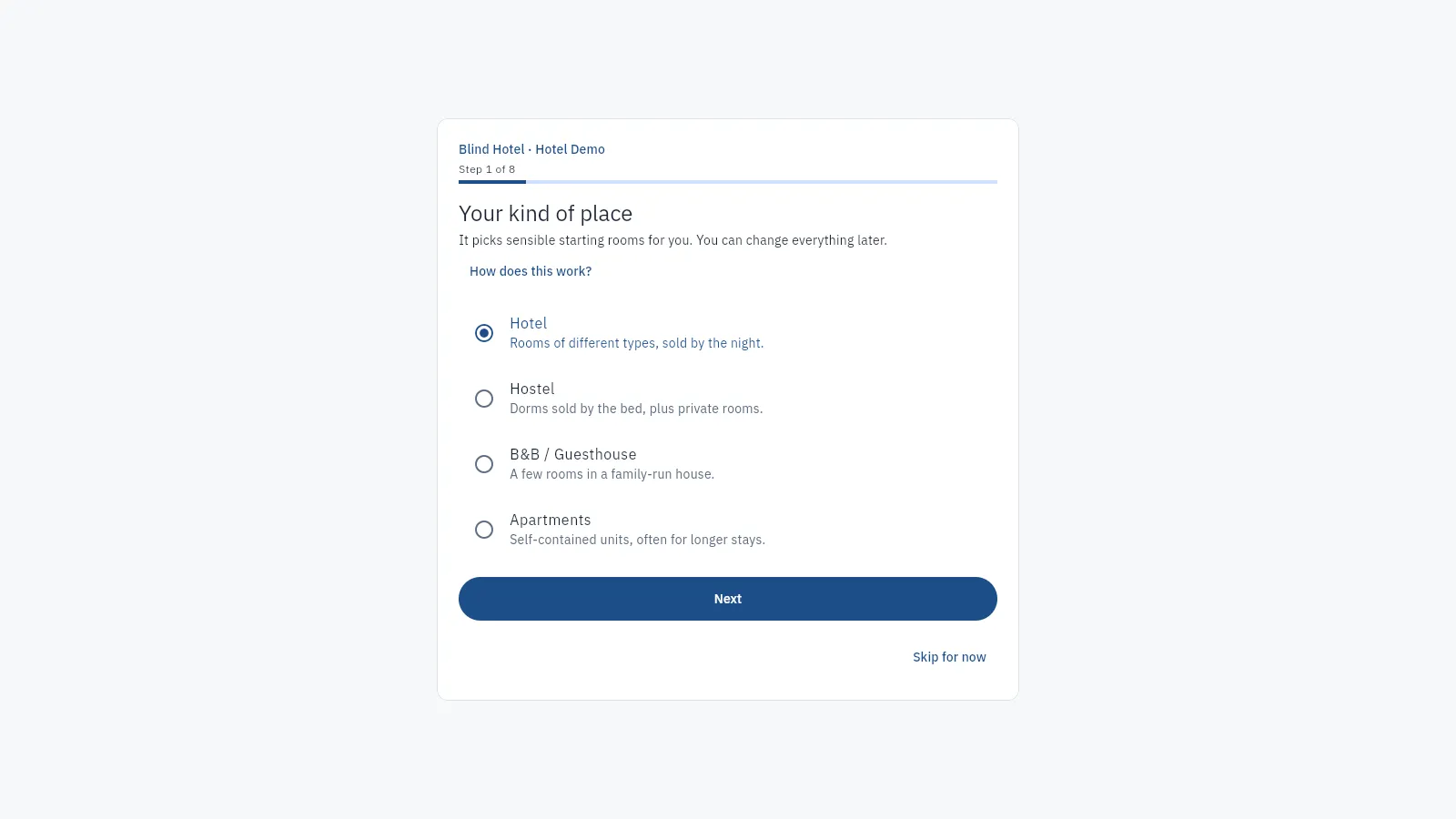
-
When it says the hotel is open, tap Make your first booking. The booking sheet opens. Later, you open it from Today with Booking.
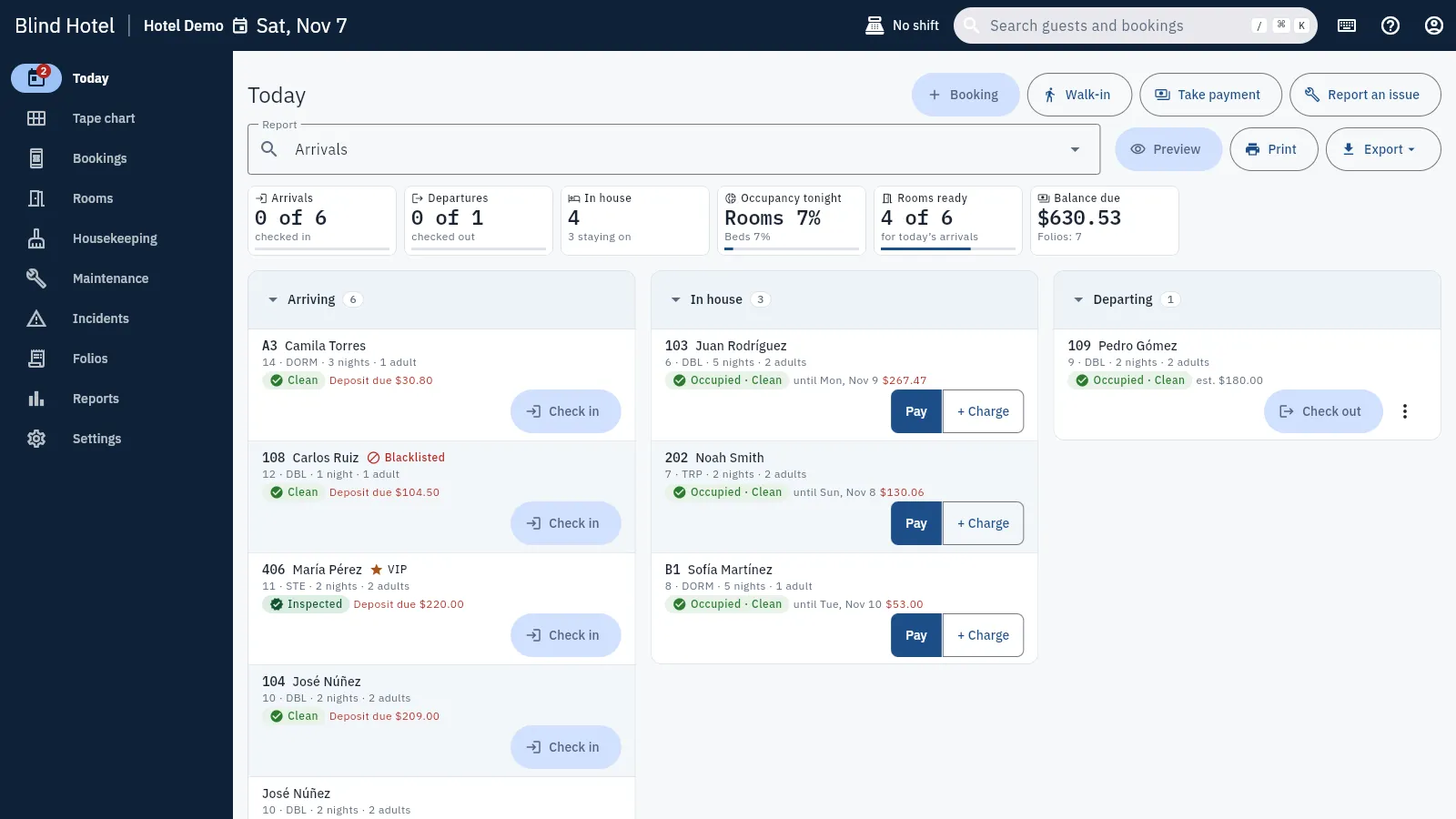
-
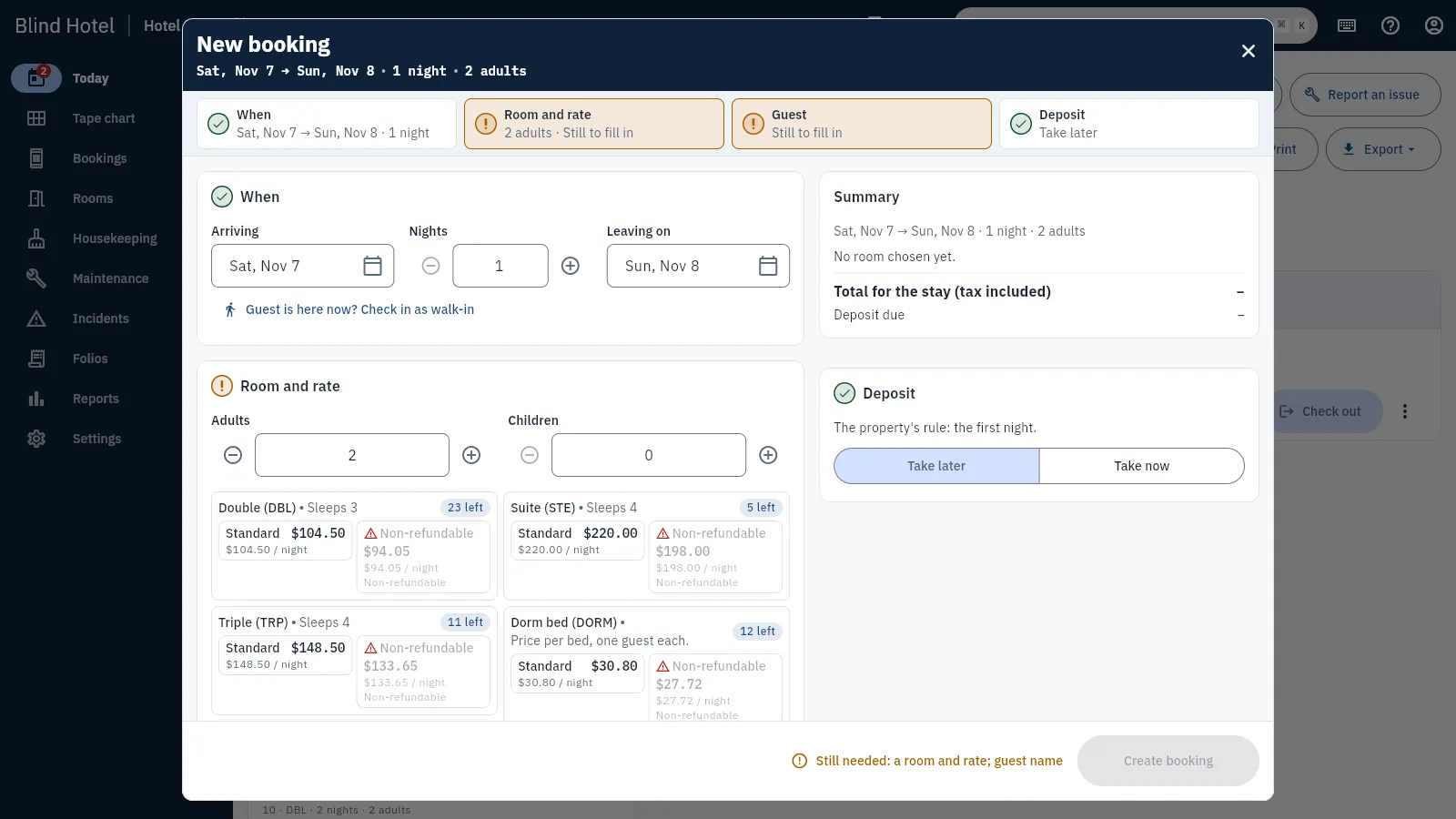
In When, choose the day the guest arrives and the day the guest leaves.
-
In Room and rate, tap a rate under the room type you want.
-
In Guest, choose New guest and type the First name(s) and the Last name(s). The phone and the email are optional.
-
Look at the footer. It lists what is still needed, or says it is ready. Leave the deposit on Take later.
-
Tap Create booking.
Check your work
Section titled “Check your work”- A message says “Booking #N created”, with Open booking and Print confirmation.
- The booking is in the list under Bookings.
- The booking shows on the tape chart, on the nights you chose.
What next
Section titled “What next”- When the guest arrives, go to Today, find the guest in the list of arrivals and tap Check in on the guest’s row. See Check in a guest.
- For a booking with a deposit, several rooms or a company, see Make a booking.
- For every part of the sheet, see The New booking form.
- For the whole day at the front desk, see Front desk.
Considerations
Section titled “Considerations”- If you close the sheet after choosing a room, it asks before it throws the booking away.
- A booking cannot start in the past. The arrival is today or later.
- To undo a test booking, open it from Bookings and choose Cancel booking in the More menu. Pick a rate with free cancellation for a test: cancelling a non-refundable rate costs the price of the stay.